Connect The Dots - Game1.1
Publisher Description
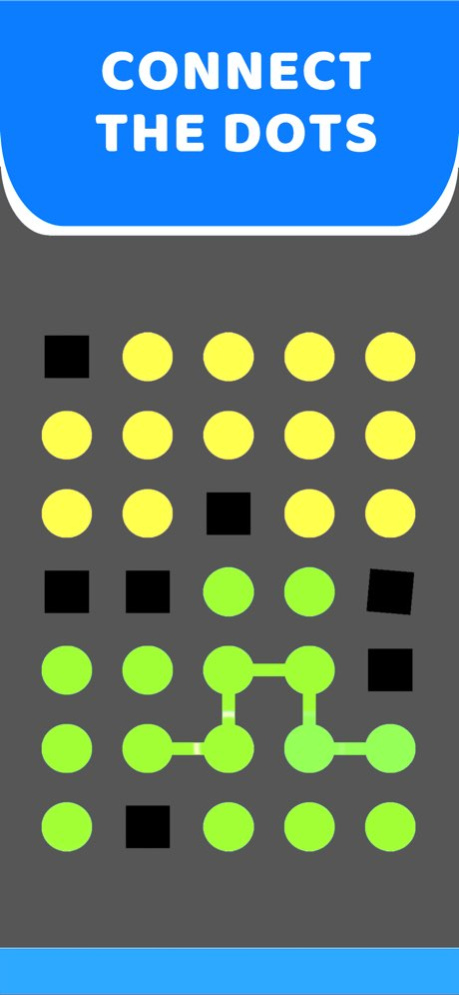
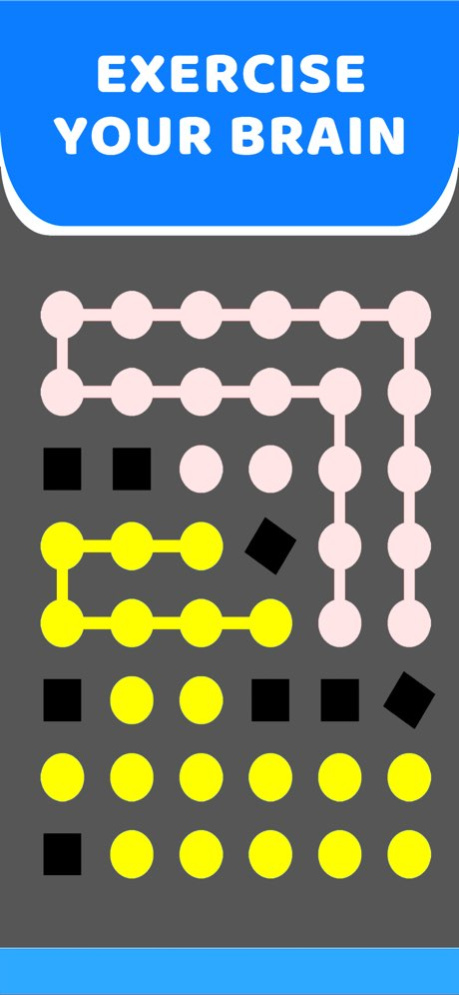
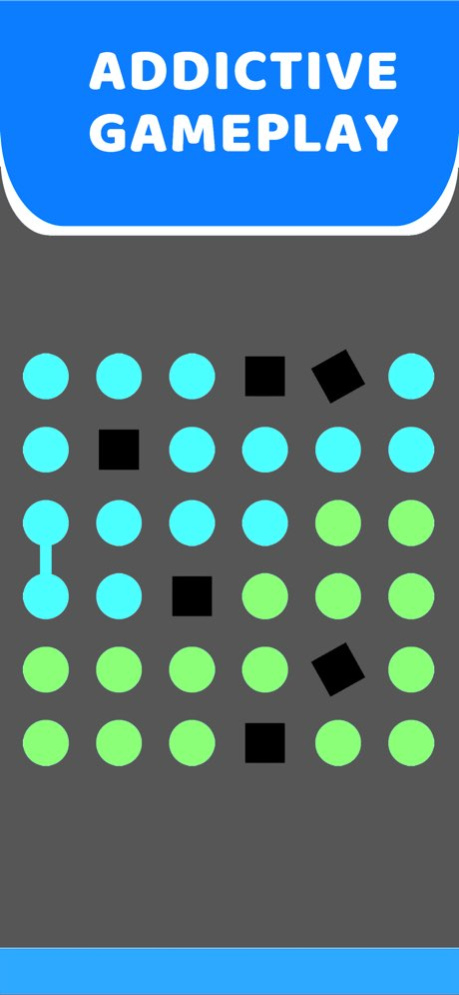
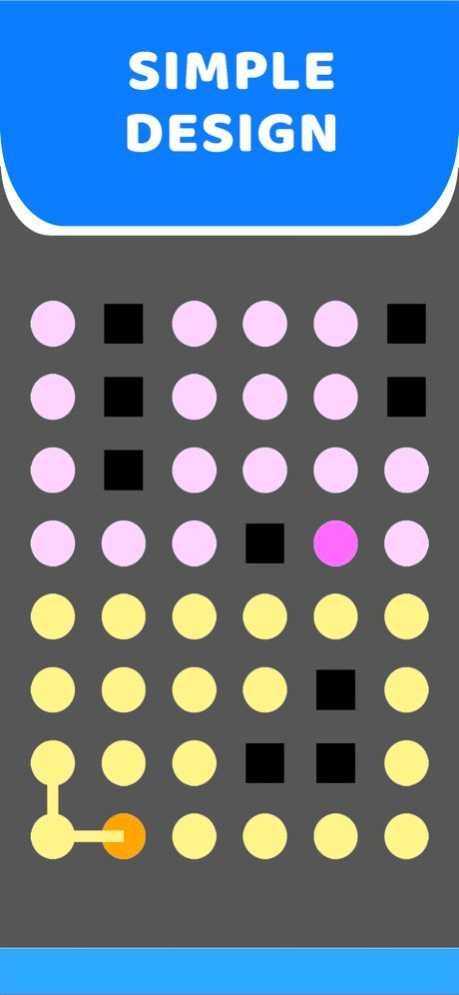
ameplay:
1.Connect the same color dots together and eliminate them.
2.All dots of the same color will be eliminated together as long as you connect four dots of the same color into a closed square.
3.Achieve goals in every level and earn rewards!
Features:
1.Exercise your brain
2.Simple but beautiful graphics design
3.1000+ Fun levels
4.Interesting and addictive gameplay
Dots Connect is an interesting brain game that you can not only kill time but also test your intelligence. Still hesitating? Download the game and start the adventure now!
Version History Performance Improvements. 1.1 12/26/2023 1.0 08/10/2023
About Connect The Dots - Game
The company that develops Connect The Dots - Game is Smit Sabhadiya. The latest version released by its developer is 1.1.
To install Connect The Dots - Game on your iOS device, just click the green Continue To App button above to start the installation process. The app is listed on our website since 2026-10-13 and was downloaded 0 times. We have already checked if the download link is safe, however for your own protection we recommend that you scan the downloaded app with your antivirus. Your antivirus may detect the Connect The Dots - Game as malware if the download link is broken.
How to install Connect The Dots - Game on your iOS device:
- Click on the Continue To App button on our website. This will redirect you to the App Store.
- Once the Connect The Dots - Game is shown in the iTunes listing of your iOS device, you can start its download and installation. Tap on the GET button to the right of the app to start downloading it.
- If you are not logged-in the iOS appstore app, you'll be prompted for your your Apple ID and/or password.
- After Connect The Dots - Game is downloaded, you'll see an INSTALL button to the right. Tap on it to start the actual installation of the iOS app.
- Once installation is finished you can tap on the OPEN button to start it. Its icon will also be added to your device home screen.
Program Details
System requirements
Download information
Pricing
Version History
version 1.1
posted on 2026-10-13
Version History Performance Improvements. 1.1 12/26/2023 1.0 08/10/2023
version 1.1
posted on 2023-12-26
Performance Improvements.
version 1.1
posted on 2023-12-26
Dec 26, 2023
Version 1.1
Performance Improvements.
